
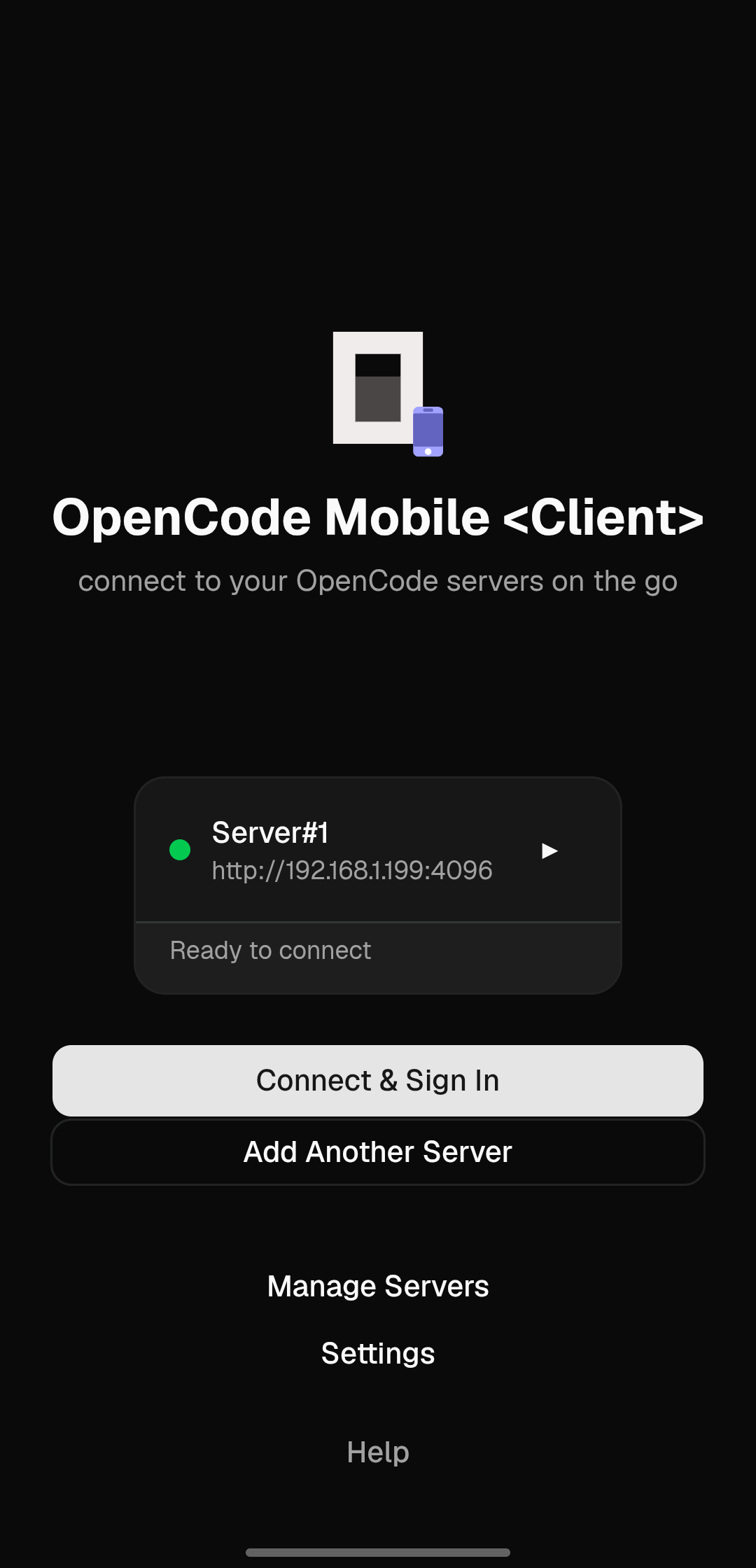
OpenCode Mobile <Client>
connect to your OpenCode servers on the go
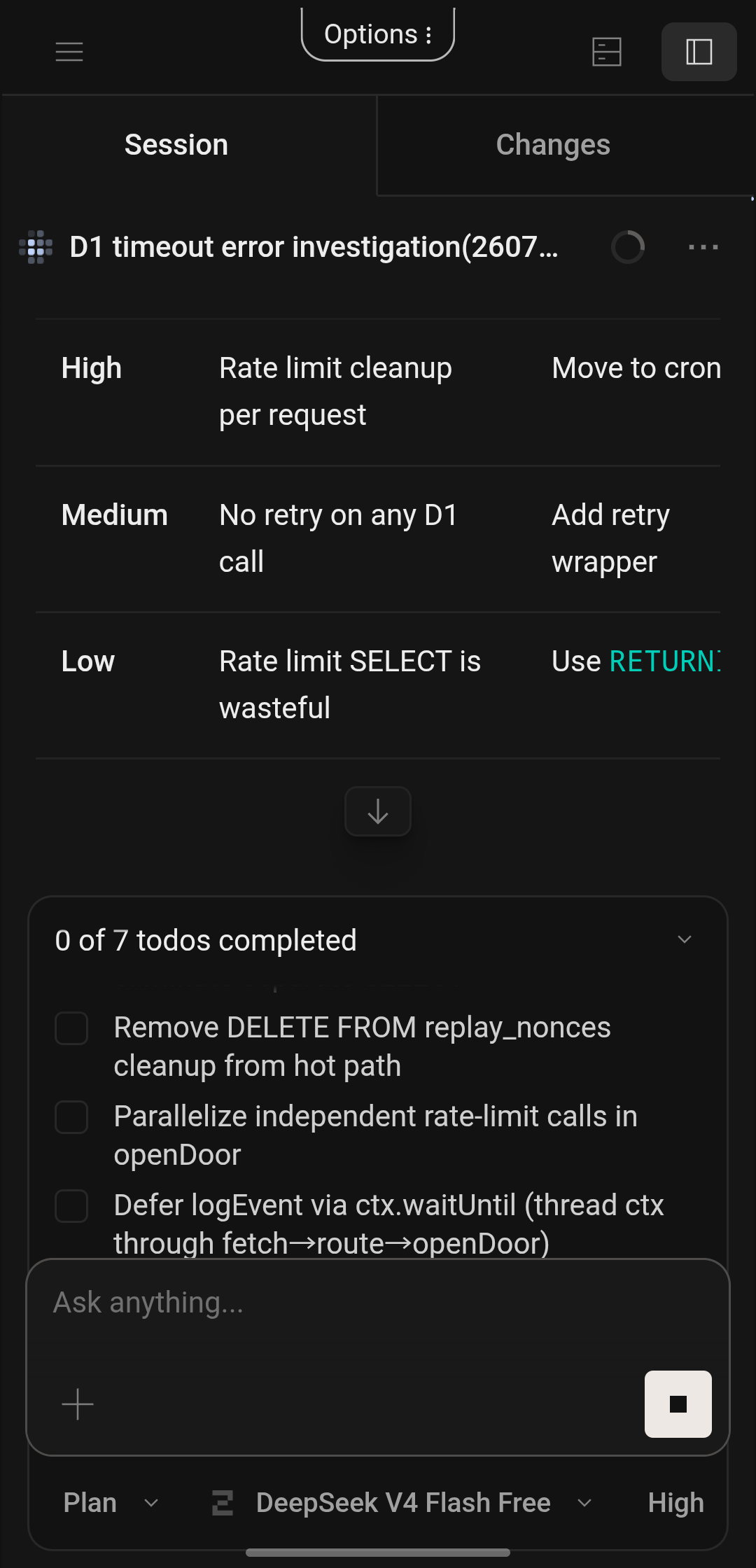
💫 A lightweight mobile client that wraps the
OpenCode Web
UI as native Android and iOS apps. Connects to an already-running
OpenCode server over LAN or VPN / Tailscale.
Chat with the agent on your phone while the agent and the server run
on your computer and edit code and use all the tools available on it.
🖥️
🔃 Seamlessly continue sessions started on your computer from your phone, or vice versa. Available on Android, iOS and VS Code



Features
- 🌐 Connect to any OpenCode server over HTTP/HTTPS (LAN or VPN / Tailscale when you're away from home🚶)
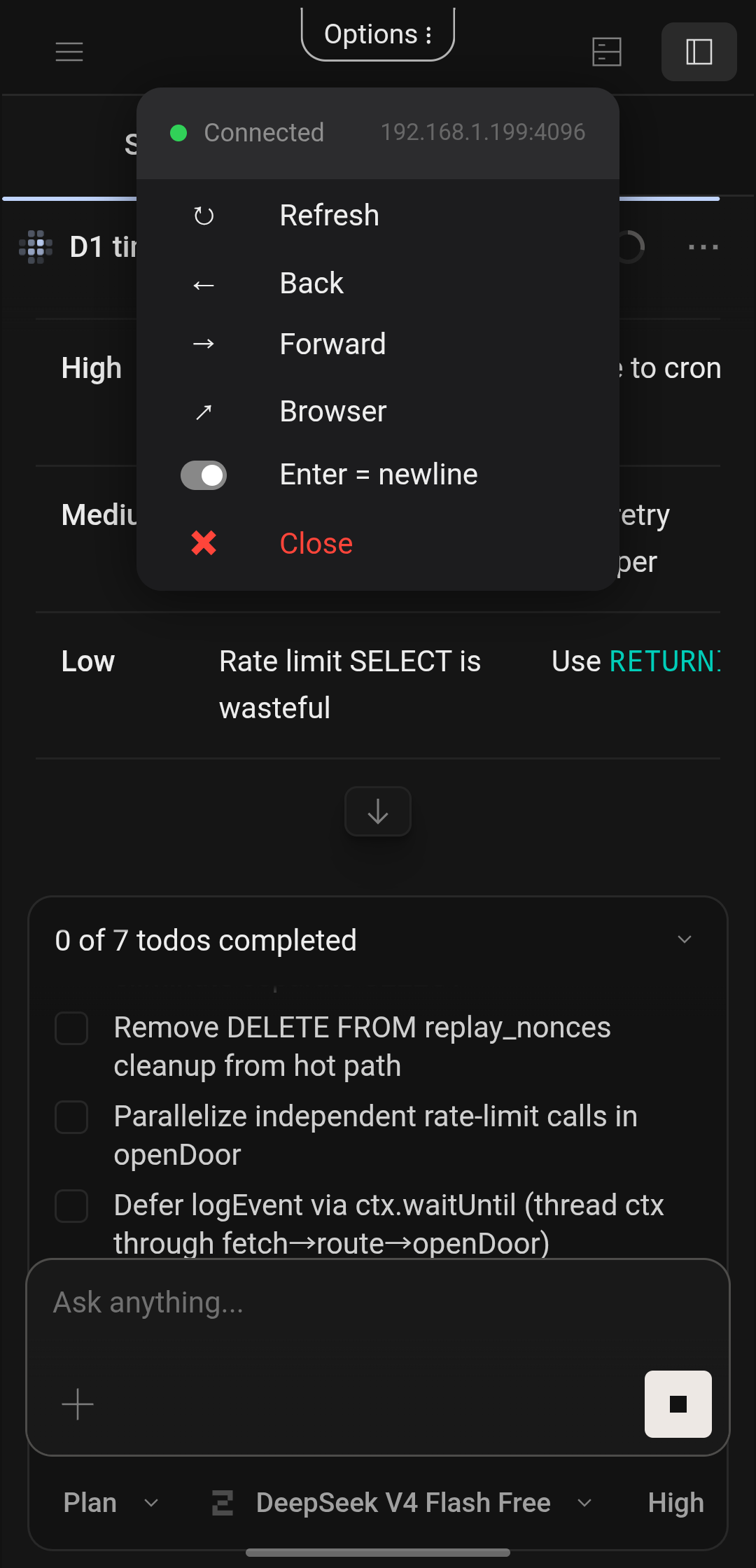
- ⌨️ Toggleable Enter=newline mode (Enter inserts a newline, Shift+Enter sends the prompt)
- 📱 Injects narrow-screen fixes to the stock OpenCode web UI
- 📋 Multiple server profiles with auto-connect support
-
🔗 Pair with OpenCode v2 by scanning the QR code from
opencode pairor pasting a link - 💡 Setup tips in the app that show what to run on your computer
- 🕰️ OpenCode v1 servers still supported
-
🔑 Password support (matching OpenCode's
OPENCODE_SERVER_PASSWORD) - 🎛️ Pull-down menu for server management while connected. Pull to refresh, tap ⋮ to open menu.
- ❤️ Automatic health checks with exponential reconnect
- 🔒 Secure storage for passwords (Keychain / EncryptedSharedPreferences)
-
🌓 Dark theme with light theme support
(
prefers-color-scheme)
How to set up your OpenCode server (REQUIRED TO USE THE APP❗)
The app is a client. It connects to OpenCode running on the machine where you have your code and build tools, so that needs to be set up first. The app shows these steps too when you add a server.
OpenCode v2 (default)
# let your phone reach it (only needed once)
opencode service set hostname 0.0.0.0
# print a QR code and pairing links
opencode pair
In the app, add a server, then scan the QR code or paste a link. Your phone needs to be on the same Wi-Fi or VPN as your computer. Links work once and expire after 5 minutes.
Using opencode serve instead
opencode serve --hostname 0.0.0.0 --port 4096
A standalone server can't pair. In the app, choose Use URL and password instead and enter the password it prints.
Away from home
Use a VPN such as Tailscale on both devices. You can also run
opencode pair --remote, which reaches your computer
through a tunnel. That exposes the server to the internet, protected
by its password.
OpenCode v1
Turn on OpenCode v1 server when adding the server.
No authentication
# start a server without password
opencode web --hostname 0.0.0.0 --port 4096
With authentication (recommended)
export OPENCODE_SERVER_PASSWORD="your-secret-password"
opencode serve --hostname 0.0.0.0 --port 4096
When auth is enabled, the username defaults to
opencode in the app.